


Modded OS Editions
Andronix Modded OS are paid, performance-tuned Linux distros with themes and essential software preinstalled, so you can skip setup and start working.

Modded OS are Linux distros that our team has modified for maximum performance. Each one ships with the essential software preinstalled, and the themes and icons are chosen to match every element of the system. This page explains what Modded OS offer, when to pick one, and how to get started.
Modded 2.0
With the Andronix app 10 (Andronix 2.0), there are five new Modded 2.0 editions on top of the Andronix 2.0 free distros; see Modded 2.0 below. The original editions are now the Classic editions, free for everyone who bought them.
When should you choose Modded OS?
Choose Modded OS whenever you don't want to spend your time optimizing things, fixing theming issues, or hunting down the right PPA to install a working version of some software. In short, it lets you enjoy Linux without having to set everything up yourself.
Why should you choose Modded OS?
- Preinstalled themes and a customized UI give you a ready-to-go experience. If you use it for work, the customized UI makes for an easy, smooth workflow.
- Everyday software such as a browser, GIMP, file managers, Visual Studio Code, a music player, Sticky Notes and LibreOffice comes included, along with preconfigured repositories and an up-to-date system.
- Optimized for better performance compared to a regular distro.
- A separate channel for Modded OS users on our Discord server.
What do they look like?
Take a look at our Modded OS Gallery.
Modded 2.0
The Modded 2.0 lineup is built on the same up-to-date distros as the free installer, with one shared Andronix look, themes and a full set of apps:
- Ubuntu XFCE v26.04 LTS
- Ubuntu KDE v26.04 LTS
- Debian XFCE v13
- Manjaro XFCE ARM
- Kali Linux XFCE rolling
New editions arrive early for Premium and Modded Pass owners.
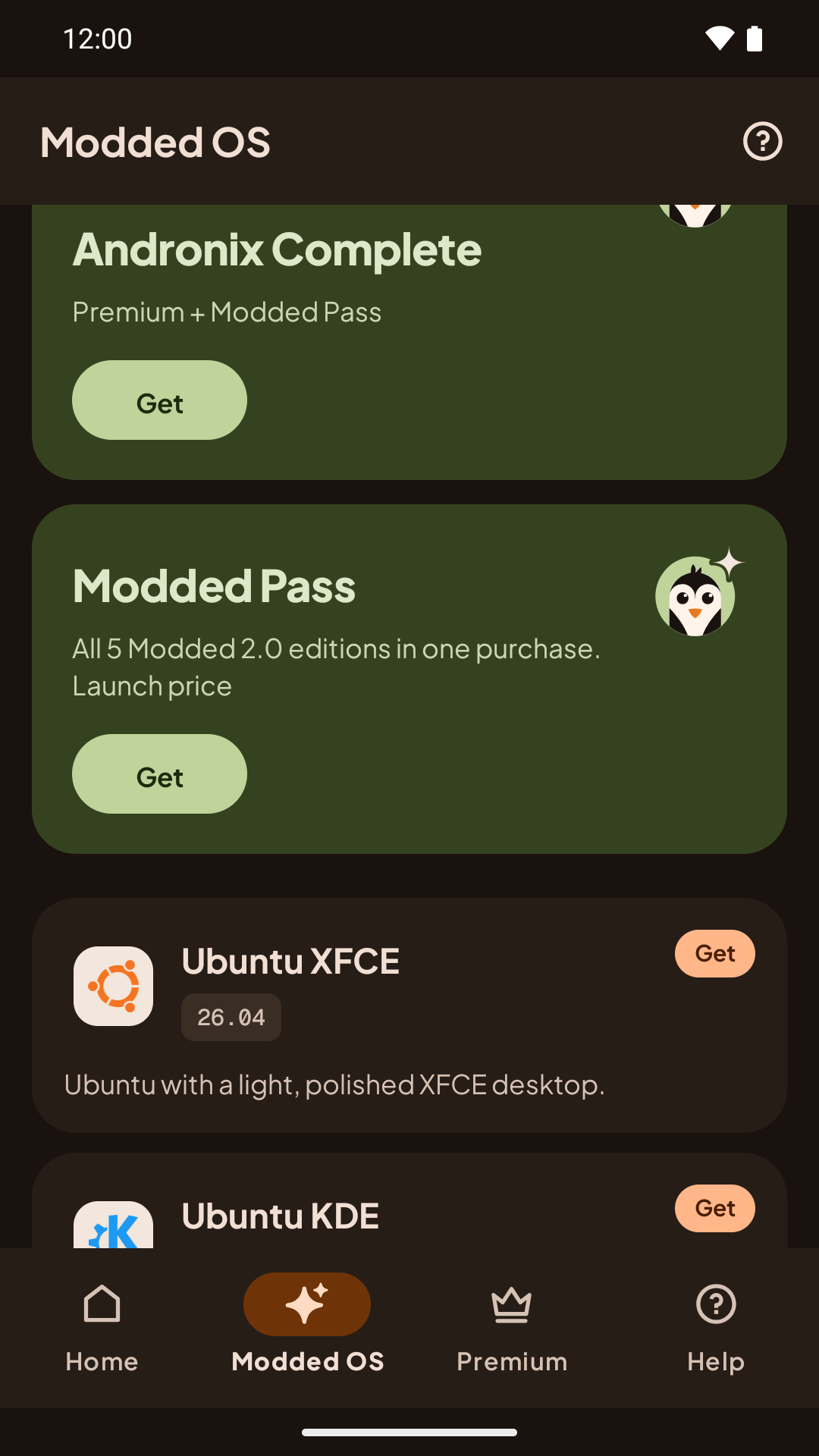
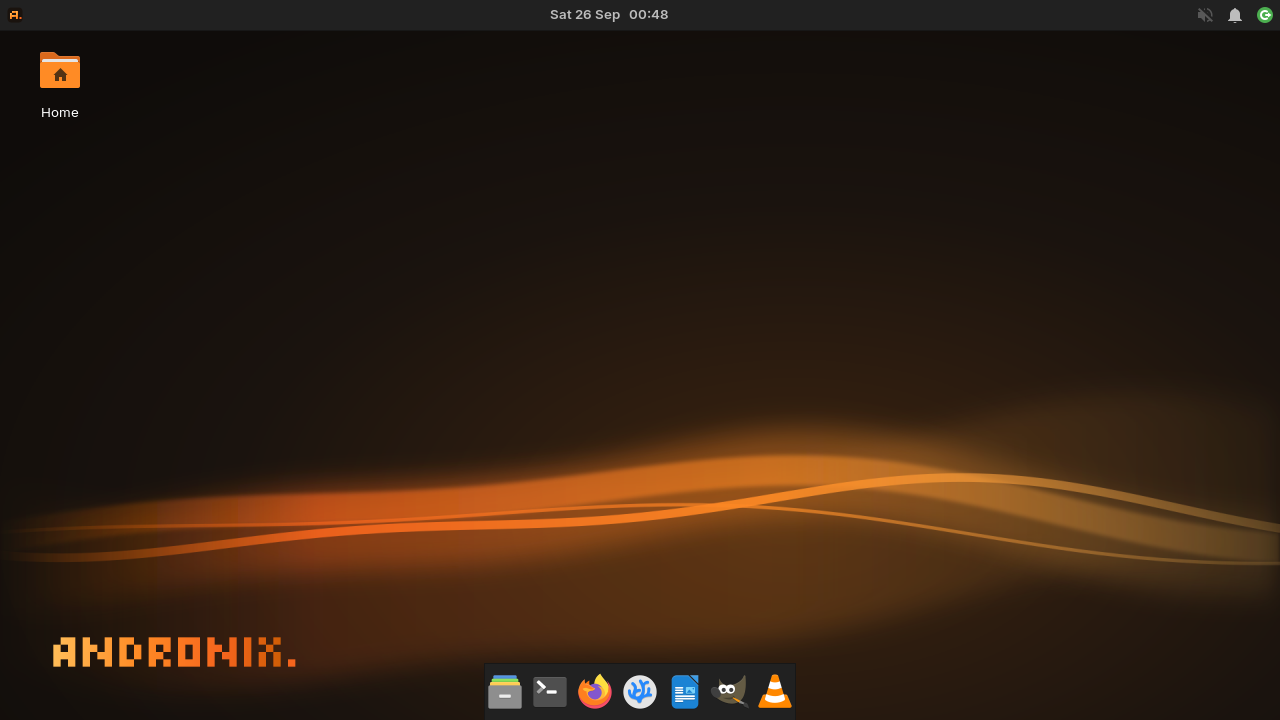
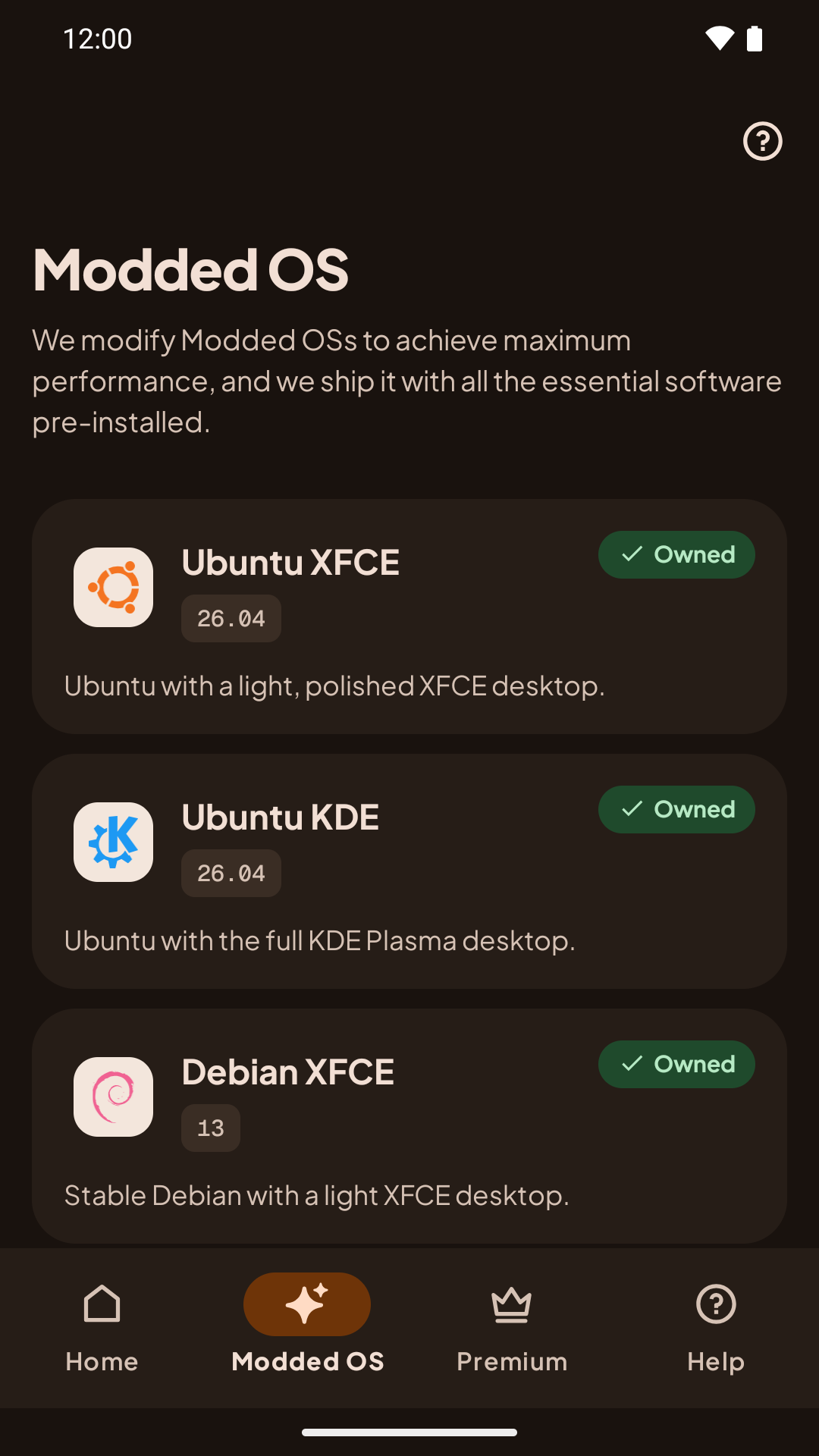
With the Modded Pass, every edition shows as Owned:
Prices


* Prices vary by region: we offer purchasing power parity pricing in some countries, and discounts are applied to your local price. Google Play shows your final price before you buy.
* Halloween sale: 30% off the Modded Pass and Andronix Complete until November 1, 2026, 23:59 UTC, on regional prices too. Struck-through prices are the lowest prices in the 30 days before the sale. Prices vary by region, and Google Play shows your final price before you buy.
If you bought a Classic edition, it stays yours (see Classic editions). It doesn't lower the price of Modded 2.0.
How to install a Modded OS?
In the Andronix app 10:
- Open the Modded OS tab and pick an edition.
- If you don't own it yet, buy it (or the Modded Pass) on Google Play.
- Tap the owned edition: the app copies one command. Run it in Termux.
- Create your user, then open the desktop with
andronix desktop <distro>and the Termux:X11 app.
For the step-by-step guide, see Installing Modded OS.
Classic editions
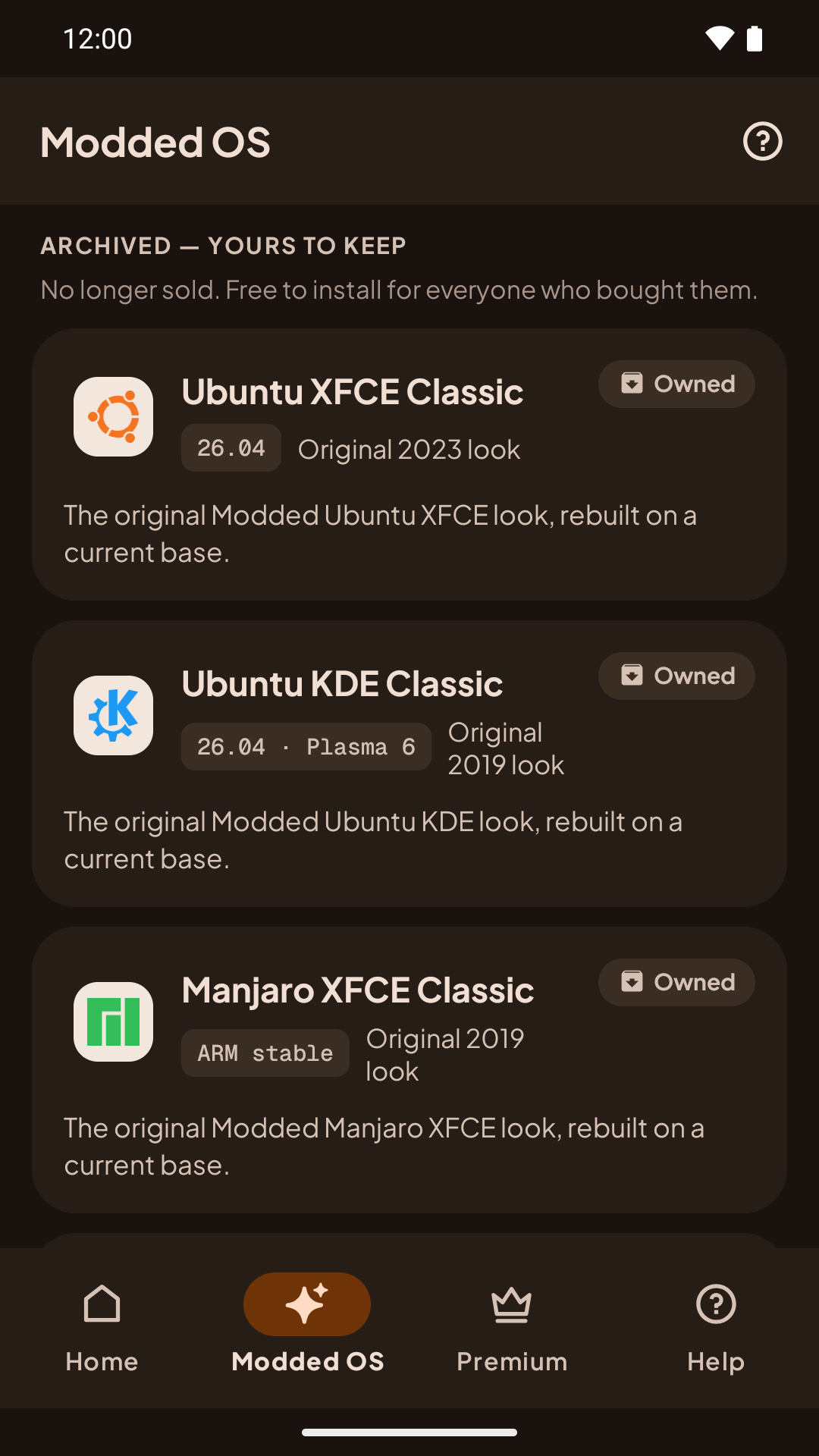
The original Modded OS editions are now Classic. They aren't sold anymore. If you bought one, it's in the app under Archived — yours to keep, free, and installs the same way (see Classic editions):
- Ubuntu XFCE v22.04
- Ubuntu KDE v18.04
- Manjaro XFCE v19
- Debian XFCE v10
Next steps
- Installing Modded OS: step-by-step install guide.
- VNC: connect to your Modded OS desktop.
- Fixing Sound: get audio working in your distro.
- FAQ: answers to common questions and errors.
SSH
Learn how to run an SSH server on your Android device with Andronix, either from Termux (recommended) or from inside your Linux distro.
Upgrading from an Older Modded OS
Upgrade an old Modded OS from the Andronix 8.x app to Modded 2.0: check which one you have, back up your files, uninstall the old version, install the new one and bring your files back.