


Coming from Termux
Already use Andronix with Termux? Move a distro from Termux into the app, choose where new installs go, and how the two compare.
How they compare
| In the app | In Termux | |
|---|---|---|
| What you install | Only the Andronix app | Andronix, Termux and Termux:X11 |
| How you install a distro | Tap through the app | Paste one command into Termux |
| Where the desktop shows | In the Andronix app | In the Termux:X11 app |
| Sound | Built in | Set up by Andronix in Termux |
| Installer updates | Come with app updates | andronix update |
| Devices | arm64, Android 8 or newer | Android 7 or newer, more CPU types |
Get Linux in the app
Linux in the app comes with Andronix 10.1.
- Update Andronix from Google Play. The update reaches phones in stages, so it may take a few days to show up on yours.
- Open Andronix and install a distro: see Install in the app.
Tell us how it goes: use Report a problem in the app (it sends the logs we need), or ask on our Discord. See Report a problem.
Both work side by side
Distros you install in the app run in the app and are listed on Home under Your Linux. Distros you installed in Termux stay in Termux and keep working as before. A distro's details say where it runs, for example Run Linux: In the app.
Switch between them
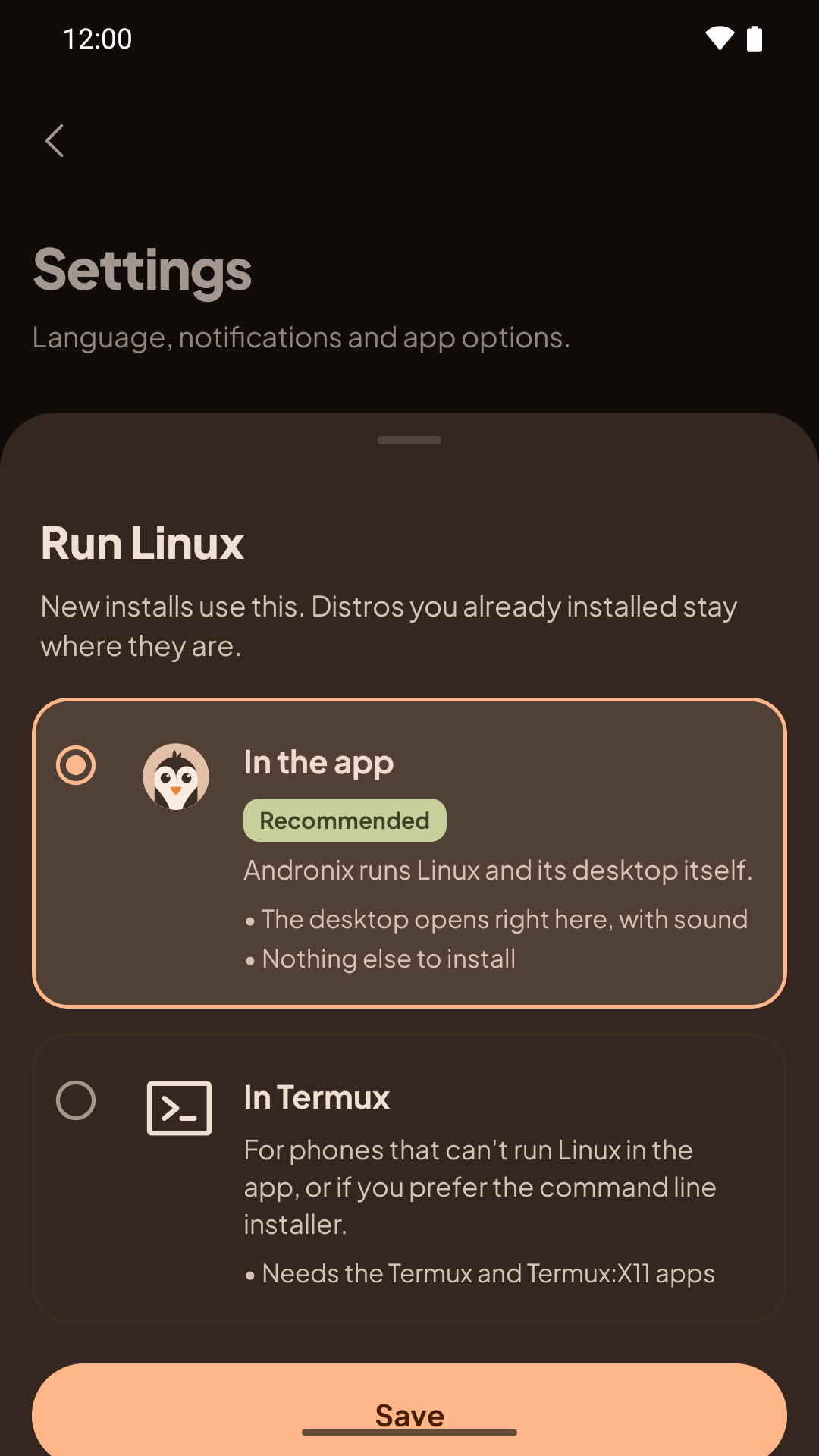
Open Settings › Linux › Run Linux and choose In the app or In Termux, then tap Save. This only decides where new installs go. Distros you already installed stay where they are.
Move a distro from Termux into the app
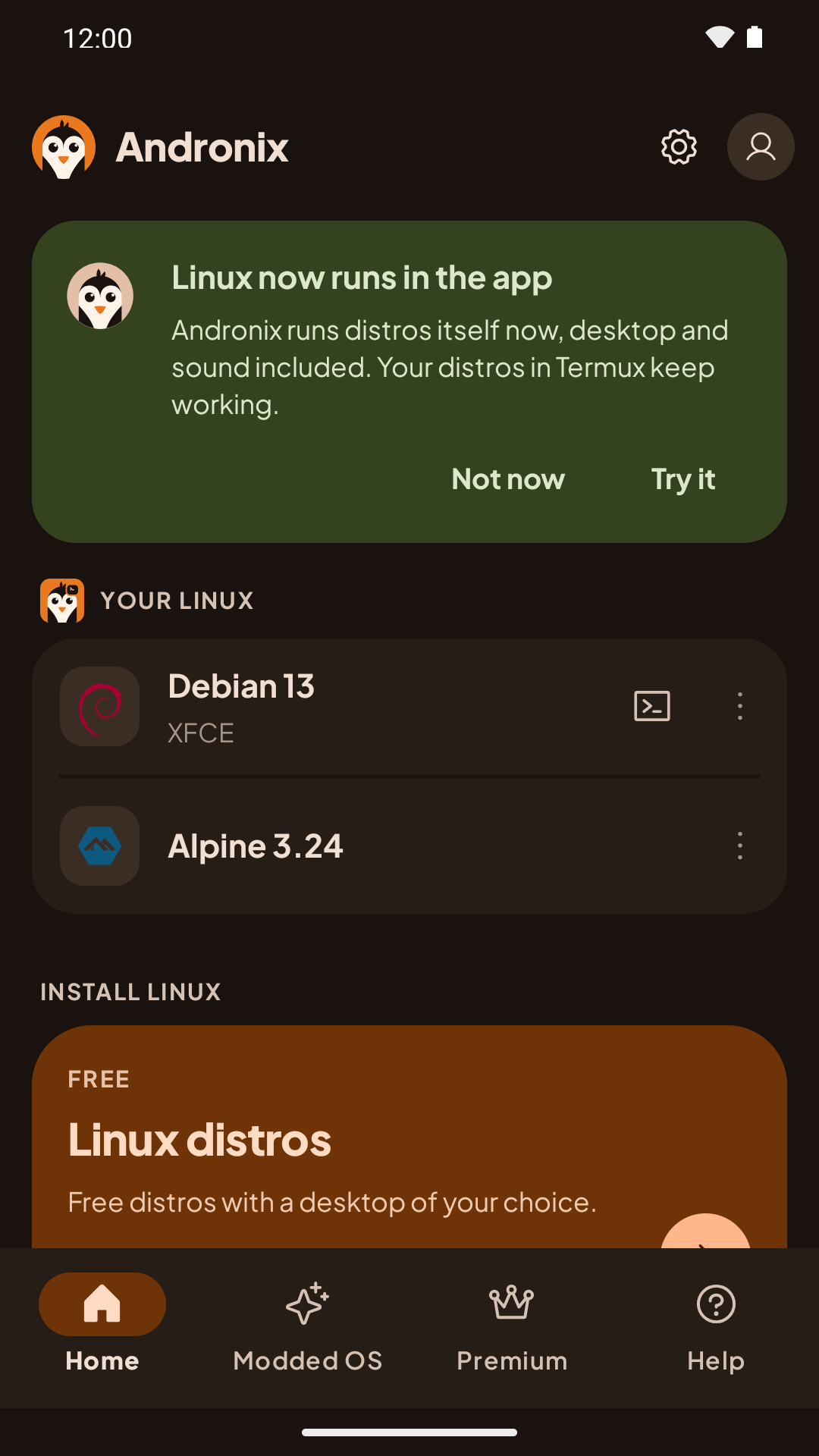
If you use Termux and your device can run Linux in the app, Home shows a Linux now runs in the app card. Tap Try it to move a distro:
Back it up in Termux
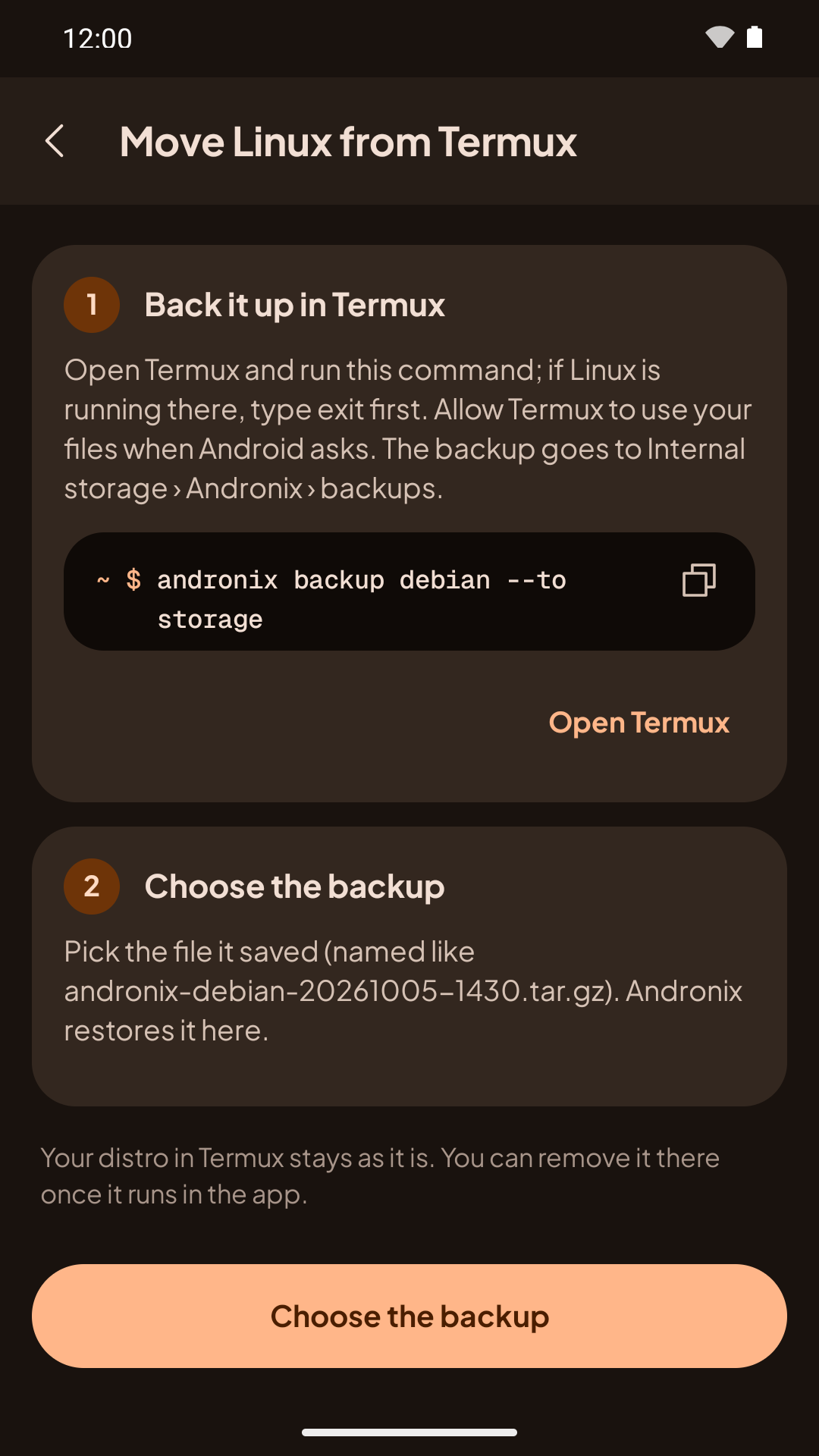
In Termux (type exit first if the distro is running), run:
andronix backup debian --to storageReplace debian with your distro. Allow Termux to use your files when Android asks. The backup goes to Internal storage › Andronix › backups, with a name like andronix-debian-20261005-1430.tar.gz.
Choose the backup
Back in Andronix, choose the backup file. The app restores it and shows the progress. If that distro is already in the app, it asks Replace <distro>? first: the backup replaces it, and everything inside the app's copy is deleted.
Your distro in Termux stays as it is. You can remove it there once it runs in the app. After a move, new installs go to the app.
There's no move the other way: to go back to Termux, install the distro in Termux.
What's different in the app
- The installer updates with the app. Andronix includes its own copy of the installer, so installer fixes arrive with Andronix updates from Google Play.
- The app does the managing. Install, start, stop, remove, backup and restore are buttons in the app. The desktop shows in the app, not in Termux:X11.
- Inside a distro, everything is the same: dev packs (
andronix pack),vncserver-startandandronix reportwork as in Termux. - Where Linux lives: in the app's private storage. Uninstalling Andronix deletes your distros, so back up first.