


Uninstall a Distro
Remove a Linux distro you installed in the Andronix app, and what stays on your phone.
For a distro listed on Home under Your Linux:
-
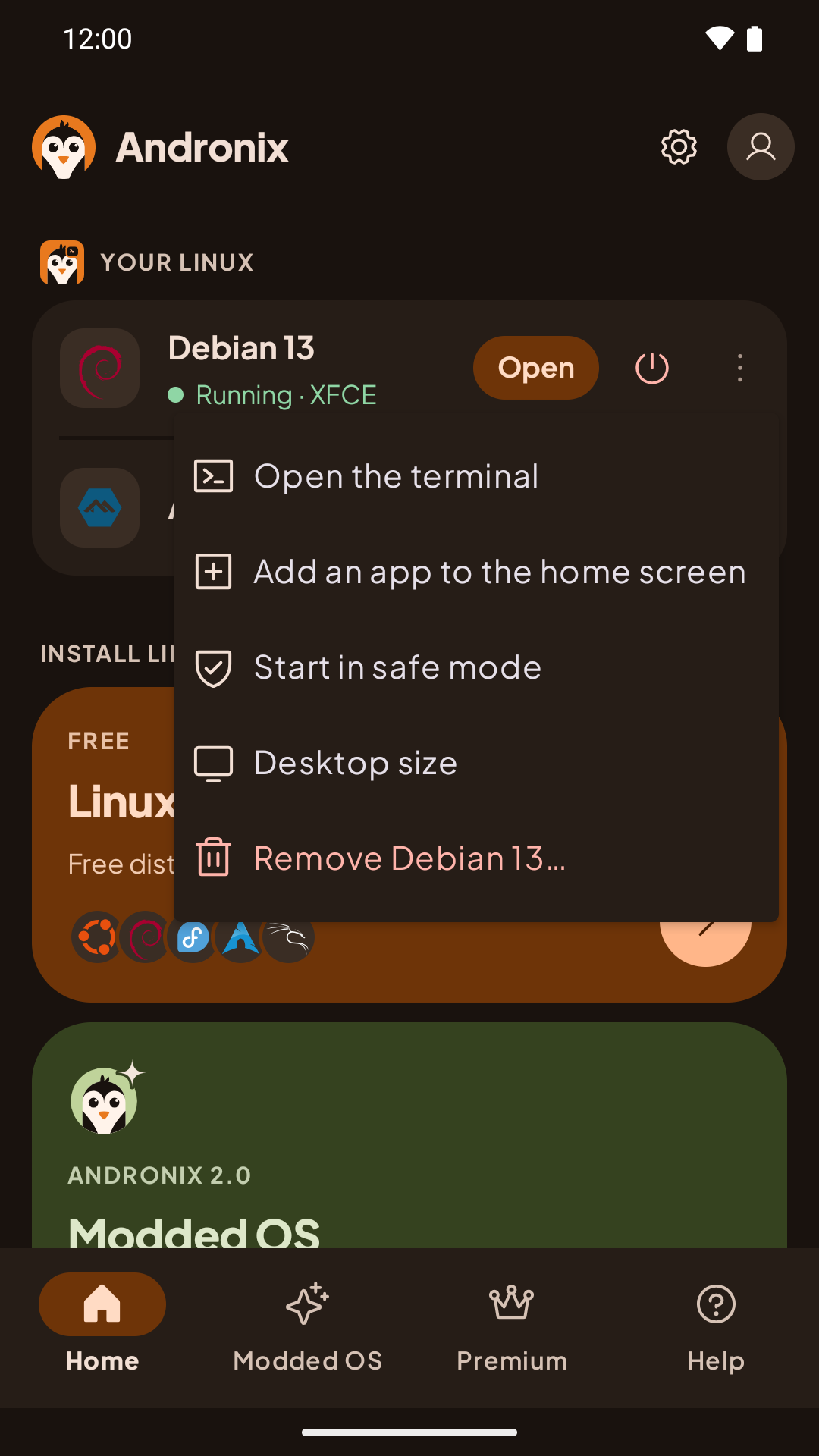
On Home, under Your Linux, tap ⋮ next to the distro, then Remove (for example Remove Debian 13…).
-
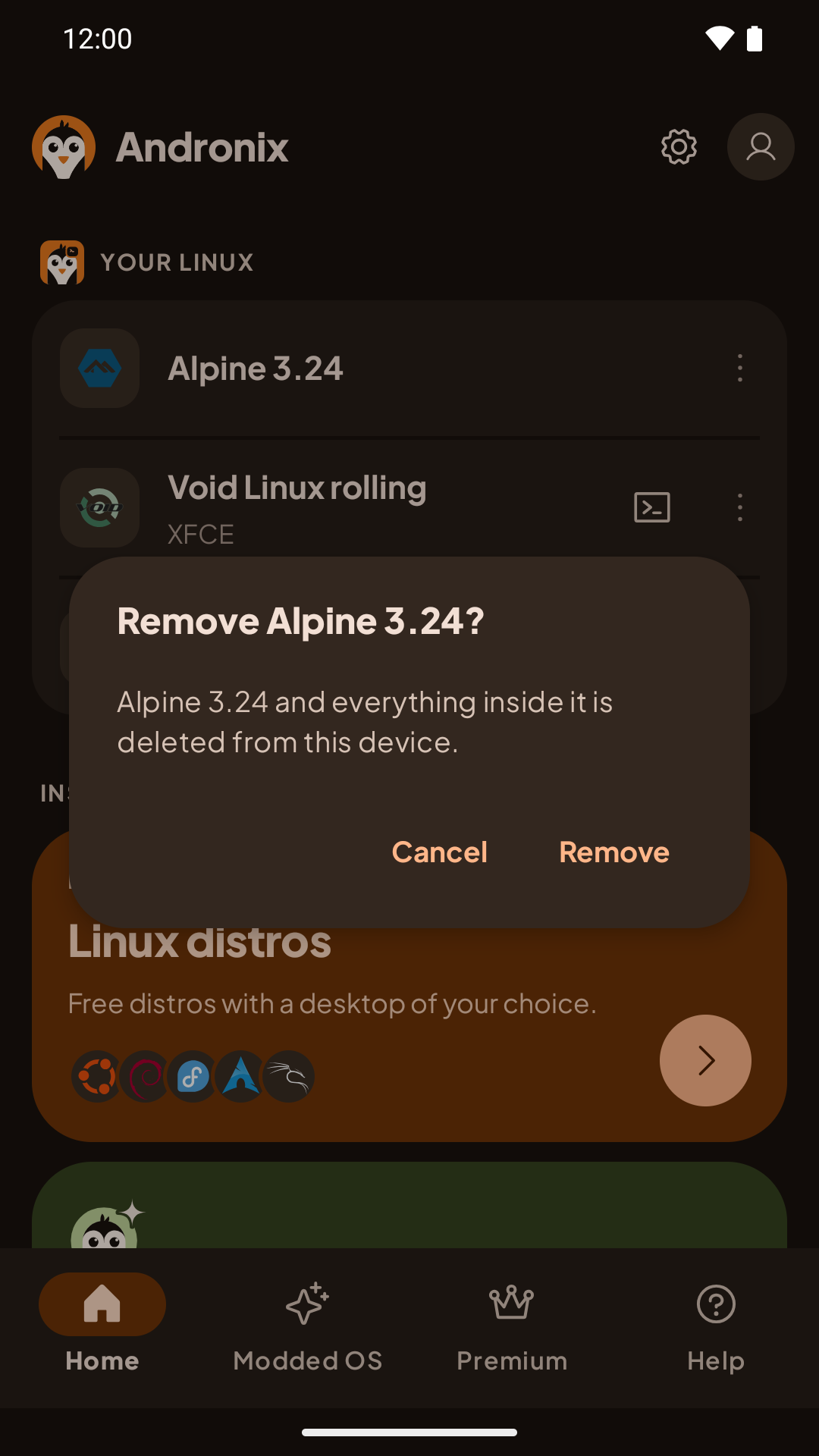
The app asks Remove Debian? (with your distro's name): the distro and everything inside it is deleted from this device. Tap Remove.
-
The app stops the distro if it's running, removes it, and says when it's done.
What stays: files you saved to Download/Andronix or Documents/Andronix stay on your phone. Home-screen shortcuts to the distro's apps stop working, and Android can't remove them for you: remove them from your home screen yourself. If you install the same distro again, they work again.
If the app says Wait for the install to finish first, an install is still running. If it says the distro couldn't be removed, close Andronix, open it again and try once more.
Install a free distro again from scratch: remove it, then install it again. Installing a distro that's already there changes nothing. A Modded OS edition can be reinstalled directly; see Modded OS.
For a distro you installed in Termux, see Uninstall a distro in Termux.
Choose a Distro and Desktop
Not sure what to install? Our pick for most people, and when to choose a different Linux distro or desktop in Andronix.
The Desktop in the App: Toolbar, Keyboard and Mouse
How to type, click and move around the Linux desktop in the Andronix app, with touch, a hardware keyboard or a mouse.