


The Desktop in Termux:X11
Get the official Termux:X11 APK (termux-x11-universal-debug.apk) from the Termux project's GitHub releases, then open your Andronix desktop full screen with one command.
termux-x11-universal-debug.apk, which works on every processor. Andronix doesn't host or mirror it. Then follow Set it up once.This page is for Andronix with Termux, on phones that can't run Linux in the app (Android 7, or no 64-bit ARM processor), or if you use the command-line installer. For Linux in the app, see The desktop in the app.
Termux:X11 is an Android app that shows your distro's desktop full screen on the phone, at the phone's own resolution. There's nothing to connect to and no desktop password to type: one command in Termux opens it.
Set it up once
Install the Termux:X11 app
Termux:X11 is only published on GitHub (it isn't on F-Droid or the Play Store). Open its nightly release page, download termux-x11-universal-debug.apk, and install it. It needs Android 7 or newer, and works with every current Termux build (F-Droid, GitHub and Play Store).
Install a distro with a desktop
Termux:X11 shows a desktop, so the distro needs one (XFCE, LXQt, MATE or KDE Plasma). See Step 2.
andronix installs the Termux side (the termux-x11 package) by itself the first time you open the desktop.
Open the desktop
In Termux (not inside the distro), run:
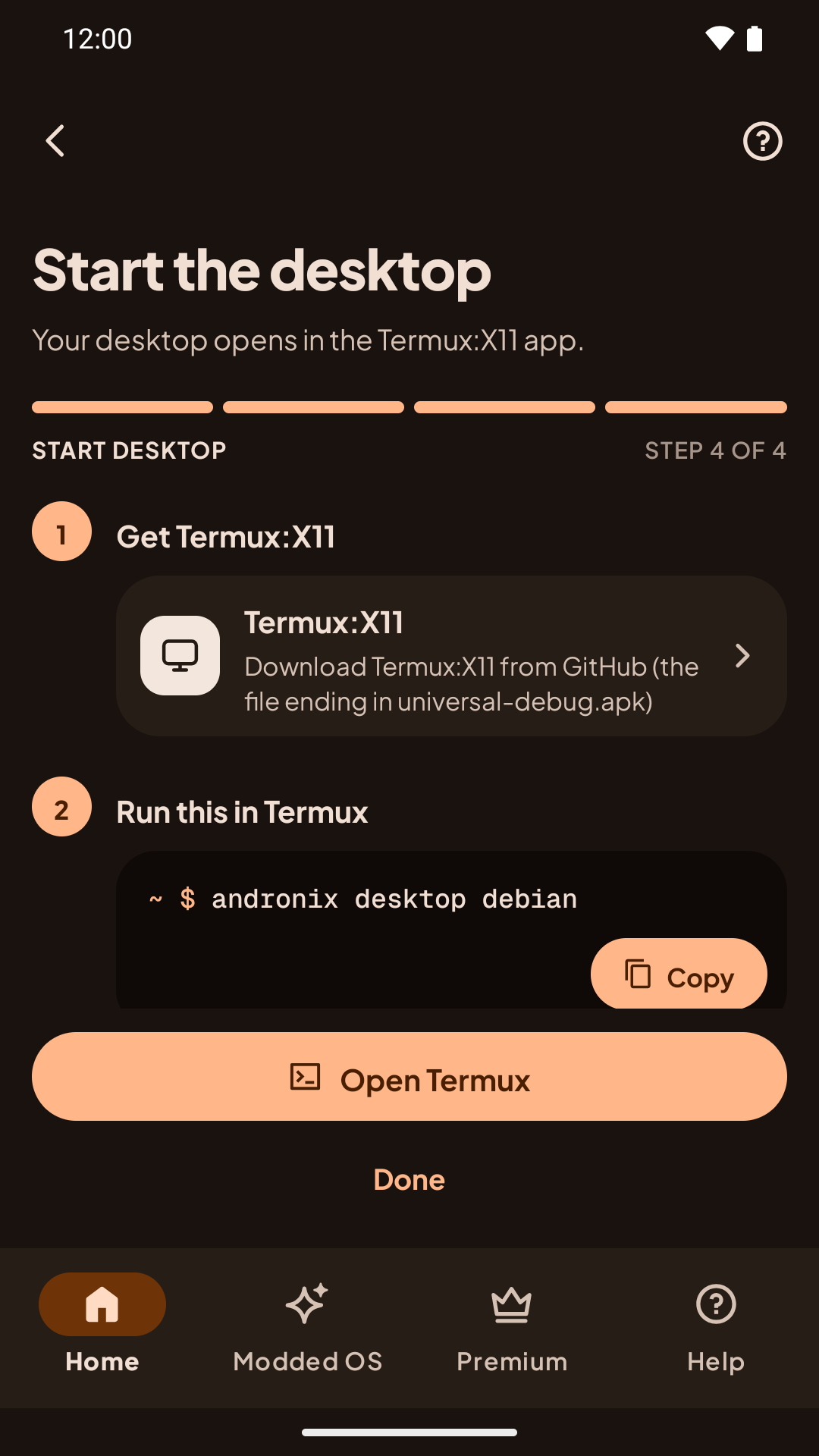
andronix desktopIn the app, the Start the desktop step shows this command with a Copy and open Termux button:
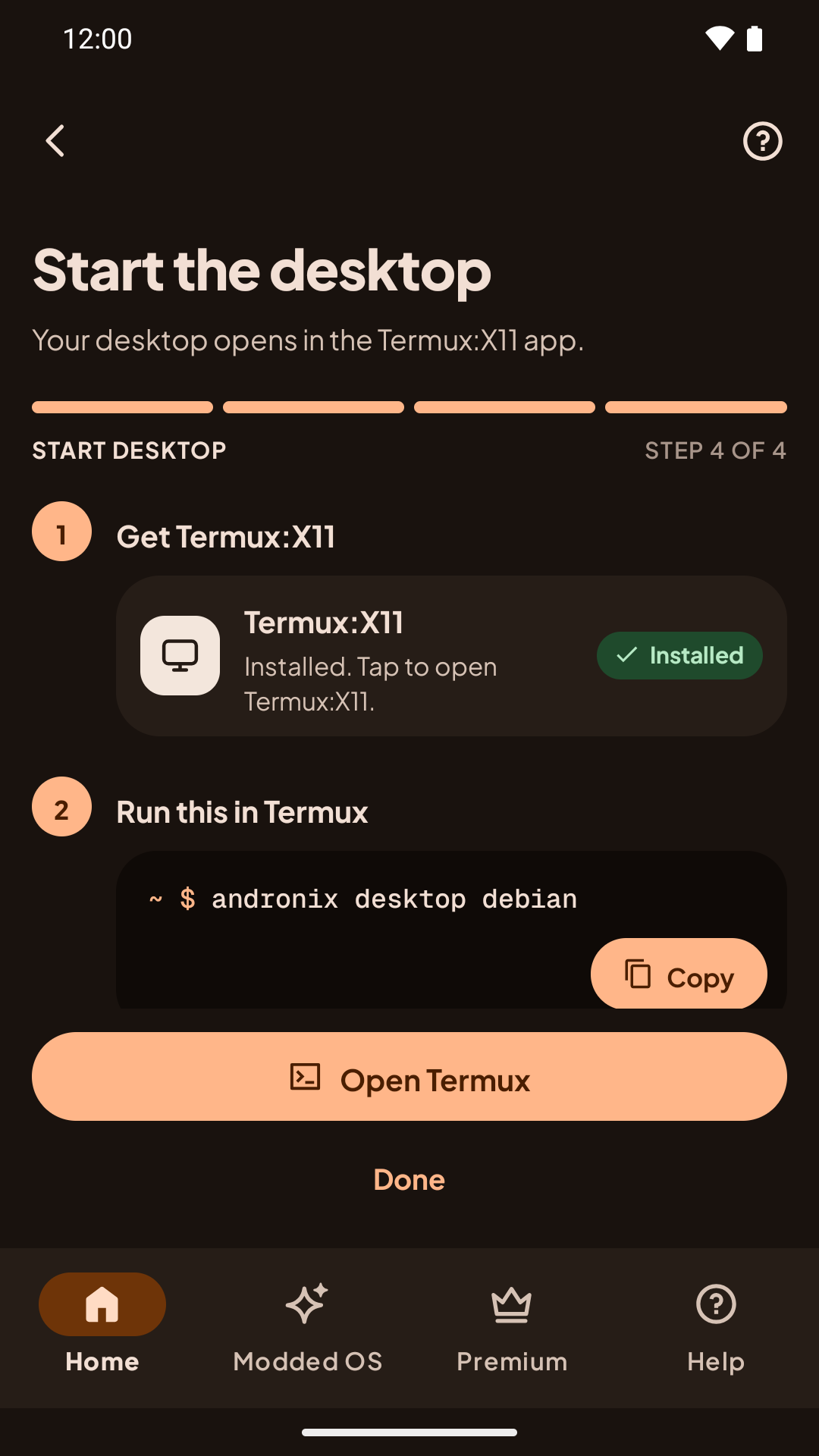
If you have more than one distro with a desktop, name it: andronix desktop debian. You can also add --x11 to the usual start command: ./start-debian.sh --x11.
Andronix starts Termux:X11, switches to the app, and opens your desktop there, logged in as your user. Sound plays through the phone's speakers.
andronix desktop debian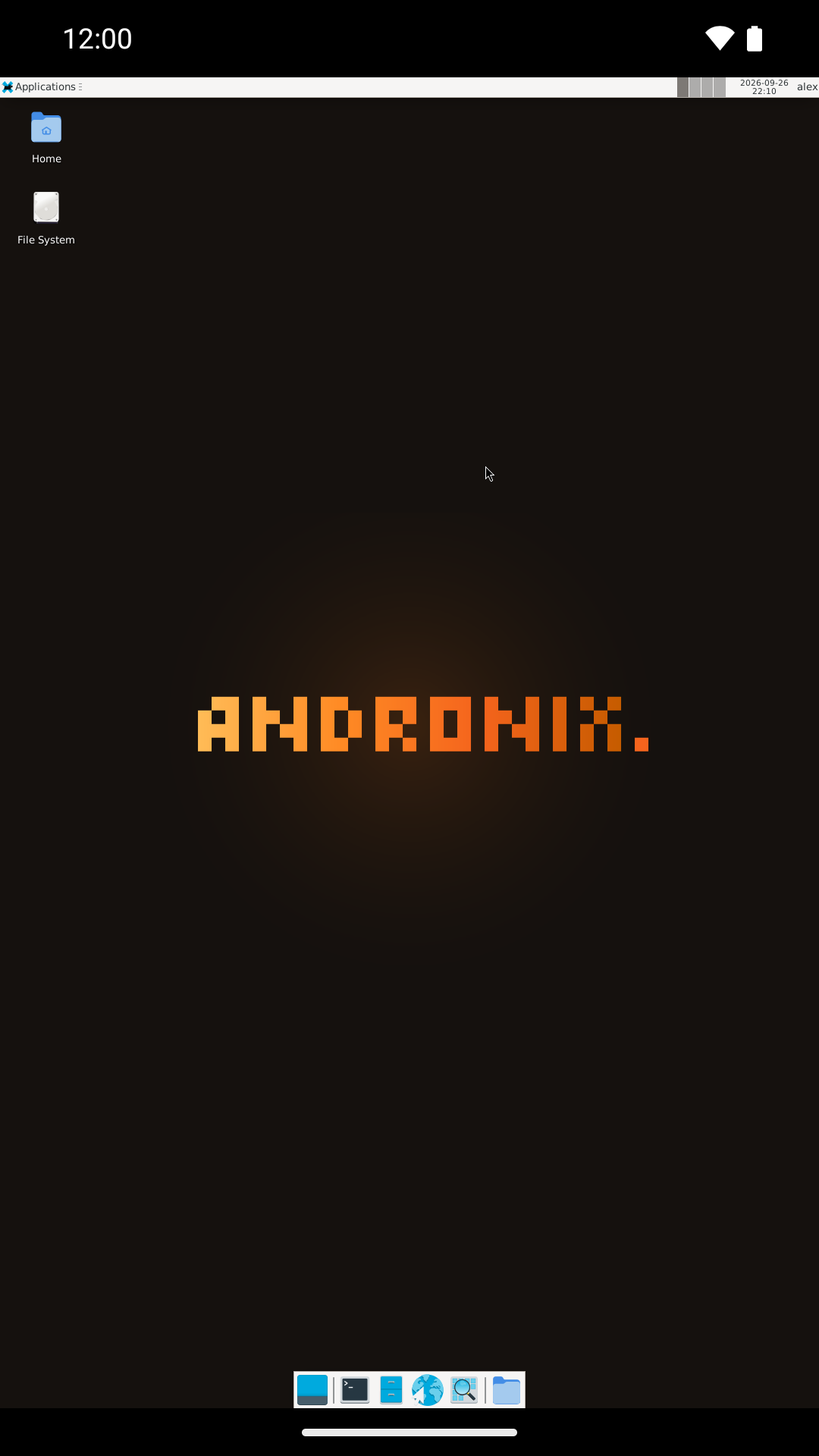
The first time you open it
- On Android 13 and newer, Android asks "Allow Termux:X11 to send you notifications?" on top of the app. Tap Allow; your desktop is behind that box.
- Termux shows Desktop is running just before the app comes to the front. If Termux:X11 doesn't come to the front by itself, open it from your app drawer.
- Andronix hides Termux:X11's extra-keys bar the first time you start a desktop so the bottom panel shows. Swipe down with three fingers in Termux:X11 to bring it back (or turn it on in Termux:X11 settings).
andronix desktop open while you use the desktop. Switch between the apps with Android's app switcher instead of closing Termux.If the Termux:X11 app isn't installed, the command says so and shows the download link.
Stop the desktop
Any of these works:
- Log out from the desktop's menu.
- Press Ctrl + C in the Termux session that started it.
- From another Termux session:
andronix desktop stop.
Good to know
- Android 12 and newer: if Termux shows
[Process completed (signal 9) - press Enter]and the desktop disappears, Android stopped it. Turn that off once: Process completed (signal 9). - Screen size: the desktop uses the phone's screen size. Change the resolution, orientation and touch behaviour in the Termux:X11 app's preferences.
- One at a time: you can have one Termux:X11 desktop open at a time.
- No GPU acceleration in Termux: the desktop is drawn in software, as with VNC. In the app there's an experimental GPU acceleration setting.
- Firefox: Firefox opens in a smaller window the first time; double-tap its title bar to maximize, and it remembers.
- Opening an app from Termux: while the desktop is open, another session can start an app on it, for example
./start-debian.sh 'DISPLAY=:0 mousepad'.
If the screen stays black
Some phones' graphics drivers need a different drawing mode. Stop the desktop, then open it with:
ANDRONIX_X11_ARGS=-legacy-drawing andronix desktopIf the colours look swapped (blue and red mixed up), use -force-bgra instead. More fixes: The desktop is black, slow or closes.
Other ways to connect
To use the desktop from a laptop or tablet, or with a VNC viewer app, see Other ways to connect (VNC). For how Termux:X11 compares with VNC, and tips for touch, keyboards and tablets, see the Termux:X11 guide.