


Modded OS in Termux
Install, start and remove a Modded OS edition with Termux - the app copies the install command with its download token, andronix desktop opens it, andronix remove removes it.
This page is for Andronix with Termux, on phones that can't run Linux in the app (Android 7, or no 64-bit ARM processor), or if you use the command-line installer. For Linux in the app, see Installing Modded OS.
Buy or pick your edition in the app first: see Installing Modded OS.
Install it
Tap your edition
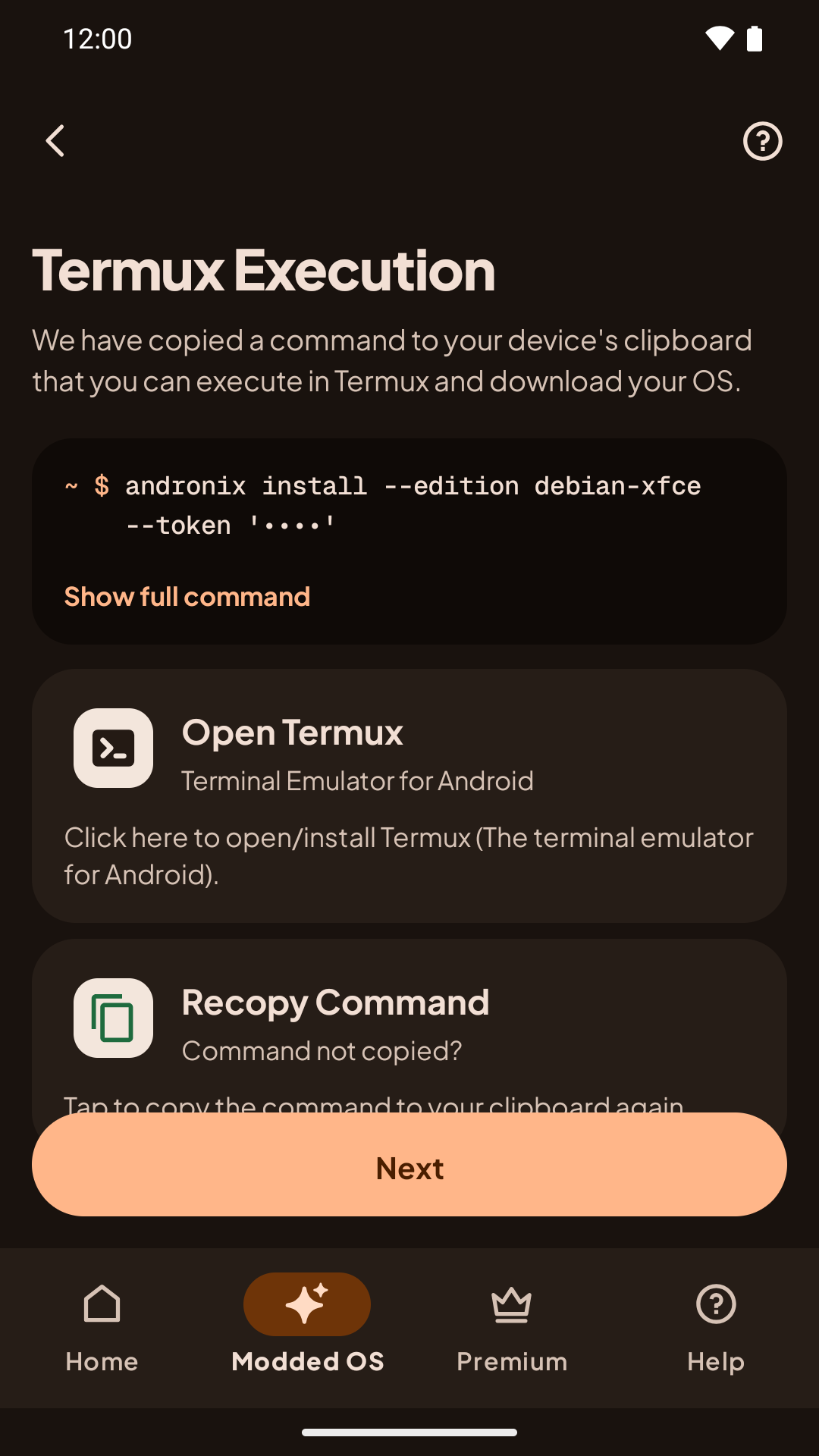
Tap an edition marked Owned. The app goes straight to the Termux step and copies the install command for you. The command includes a download token, so the app hides it on screen; tap Show full command to see it with the token masked.
Run it in Termux
Tap Copy and open Termux. The app copies the command again (in case you copied something else in the meantime) and opens Termux. Long-press, tap Paste, and press Enter.
If you come back to the app and the install still hasn't started after 30 seconds, the app shows Nothing happened? Paste the whole command in Termux; typing install on its own won't work.
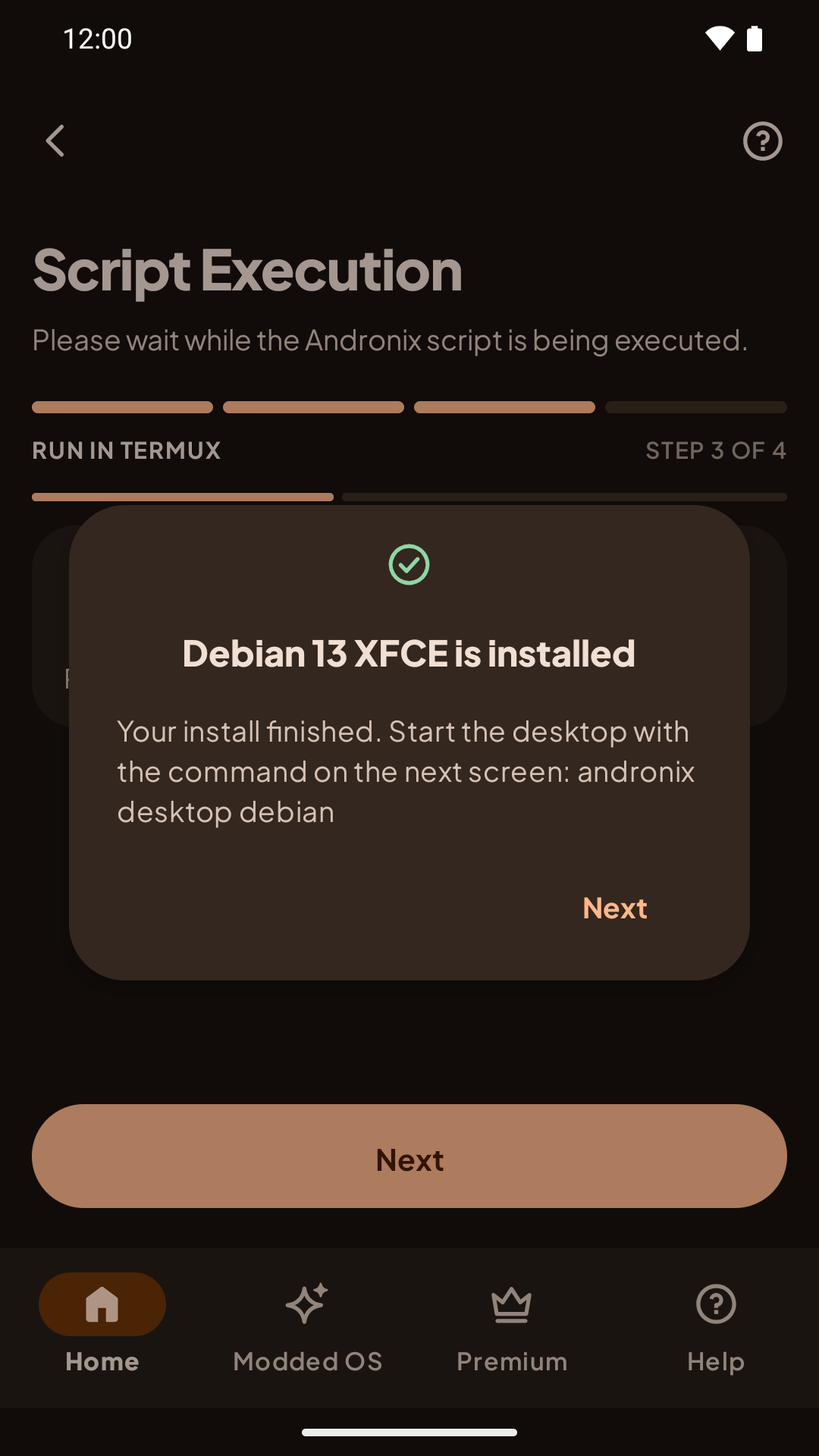
The installer shows its steps and ticks each one off. The first run also updates Termux and can take a few minutes, so keep Termux open.
Create your user
When the install finishes, Termux asks you to create your user: a username, a password, and a desktop password, the same as for a free distro (see Create your user).
Start the desktop
The app moves on to Start the desktop. Open your Modded desktop full screen with Termux:X11, using the distro your edition is built on, for example:
andronix desktop debian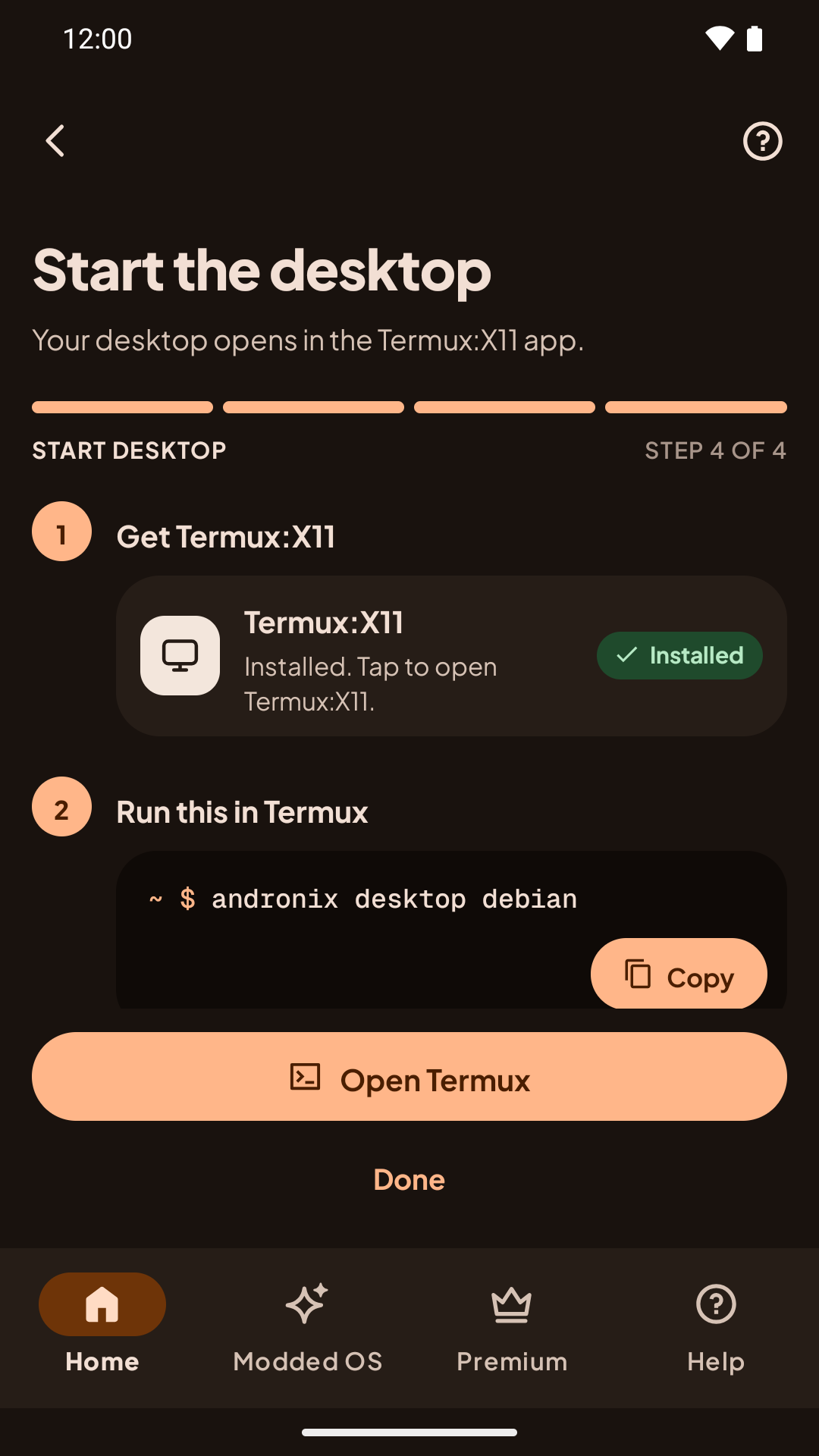
See Start the desktop for getting the Termux:X11 app and everything else.
Remove a Modded OS
installer 2.0.1+Each edition has an id, and andronix remove takes it. Stop the desktop and exit the distro, then run in Termux, for example:
andronix remove ubuntu-kde| Modded 2.0 | Classic |
|---|---|
ubuntu-xfce, ubuntu-kde, debian-xfce, kali-xfce, manjaro-xfce | legacy-ubuntu-xfce, legacy-ubuntu-kde, legacy-debian, legacy-manjaro |
It deletes only that exact edition, never the free distro or another edition. If a different one is installed, it says which and deletes nothing. It shows what it will delete and asks first; add --yes to skip the question. Files in /sdcard are not touched.
For a Classic edition, --legacy also deletes the copy the old Andronix app (8.x and earlier) installed, such as ~/androkde-fs, ~/androkde-binds and ~/start-androkde.sh:
andronix remove legacy-ubuntu-kde --legacyandronix remove legacy-ubuntu-kde --legacystart, desktop, update, backup and doctor accept the edition id too, for example andronix desktop ubuntu-kde. See the andronix command for the full list.