


Other Ways to Connect (VNC)
Use your Andronix desktop from another device, or in a VNC viewer app, with vncserver-start. The main way to open the desktop is Termux:X11.
This page is for Andronix with Termux, on phones that can't run Linux in the app (Android 7, or no 64-bit ARM processor), or if you use the command-line installer. For Linux in the app, see The desktop in the app.
andronix desktop. Use VNC when you want the desktop on another device, like a laptop or tablet, or prefer a VNC viewer app.VNC lets you see and use your distro's desktop in a VNC viewer app. This page shows you how to start and stop the VNC server, connect to it, tweak its resolution and picture quality, and access it from other devices on your network.
Operating the VNC Server
Let's learn how to operate the VNC server, including starting, stopping and debugging it.
@localhost (for example alex@localhost) in Termux.Starting a VNC server
Start VNC Server
If you are on the VNC server page in Andronix, the app has already copied the necessary command to your clipboard. Just paste it in Termux (in the distro shell, where you see your username, like alex@localhost) and run it.
vncserver-startPick a Screen Size
You're asked to pick a screen size. Press Enter to pick Auto, which fits your VNC viewer. You can also pick HD (1280x720), Full HD (1920x1080), QHD (2560x1440) or type your own size.
If you haven't set a desktop password yet, you're asked for one now (6 to 8 characters).
When the desktop is up, you'll see a Desktop is running box with the address to connect to, localhost:1.
exit, stops the desktop too. To use the Termux command line at the same time, open a new session from the Termux sidebar (swipe in from the left edge).Install a VNC Client
Next, install the RealVNC app from the Google Play Store (or any other VNC client).
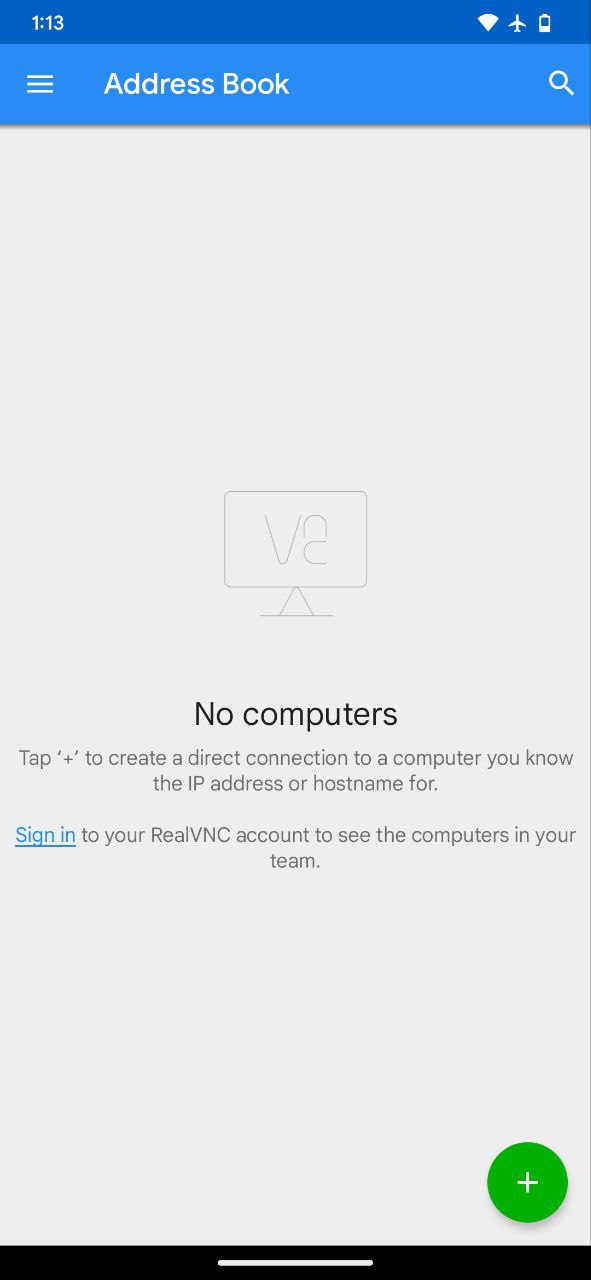
Add VNC Server
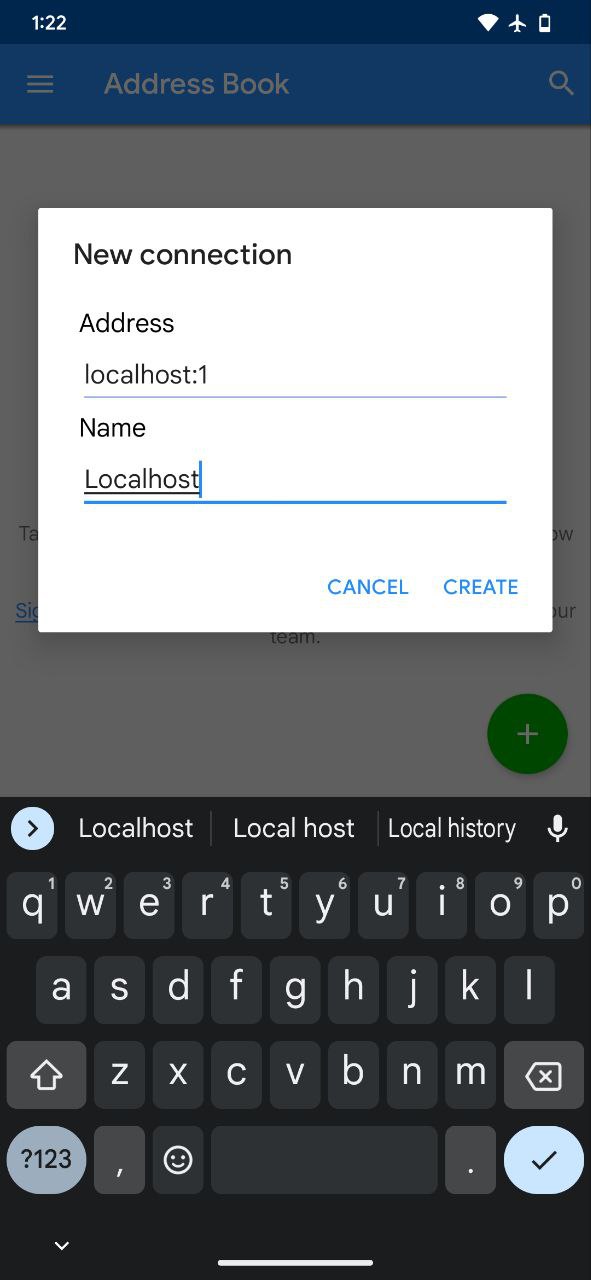
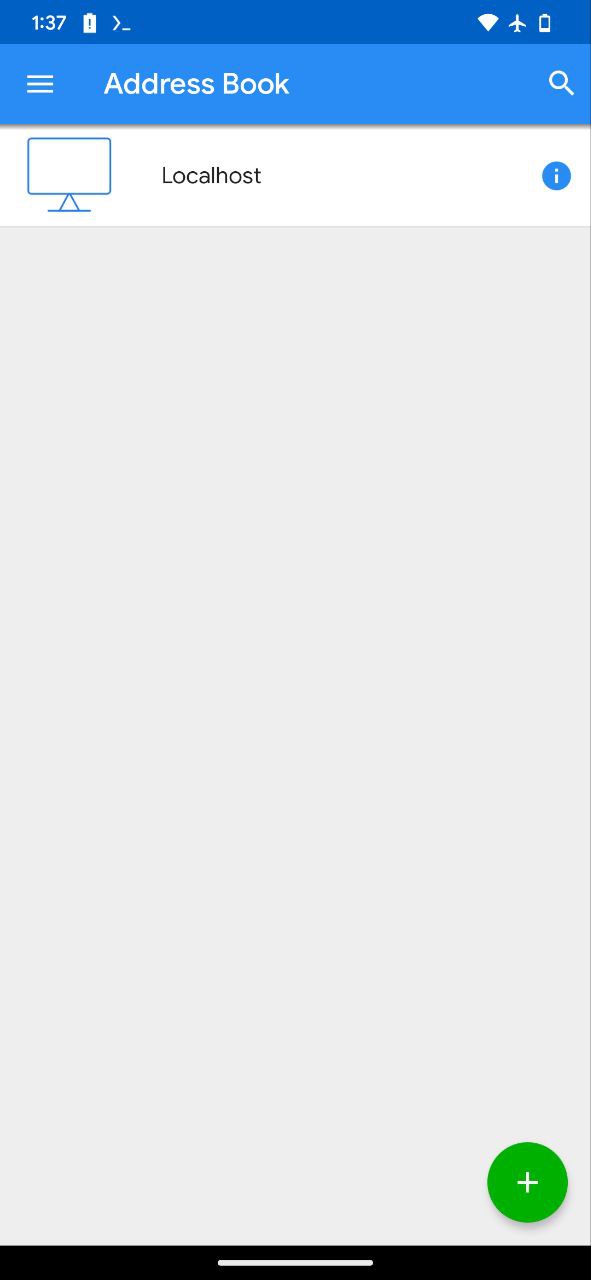
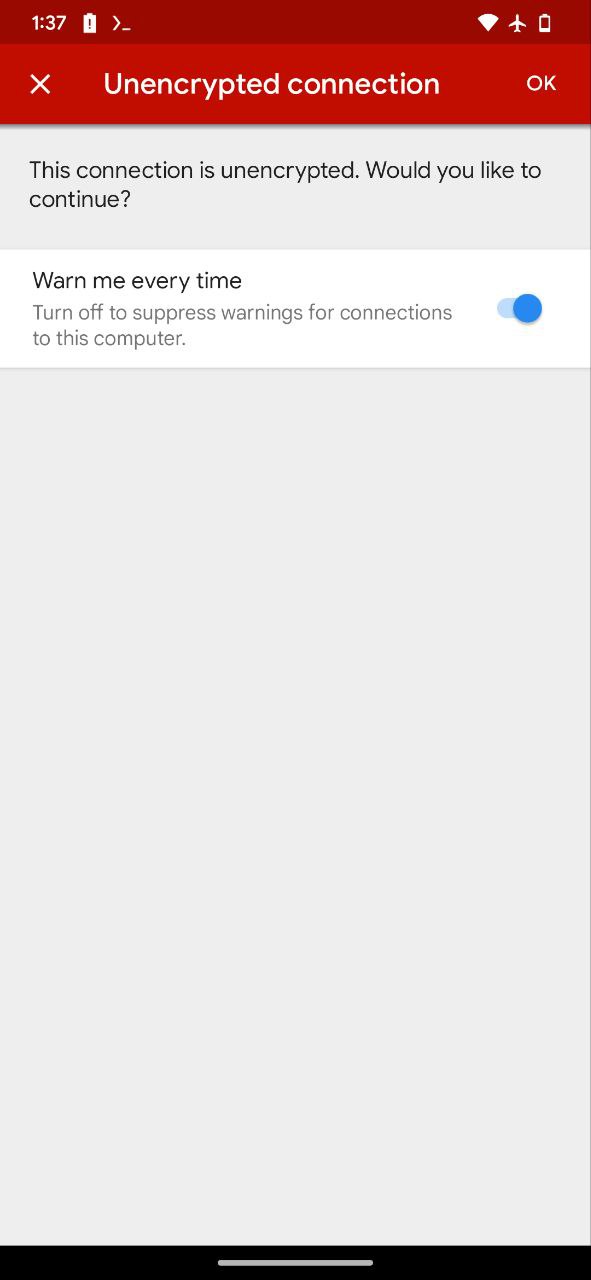
Press the Add (+) button to add a VNC connection. Enter localhost:1 as the address, give it a name and save it.
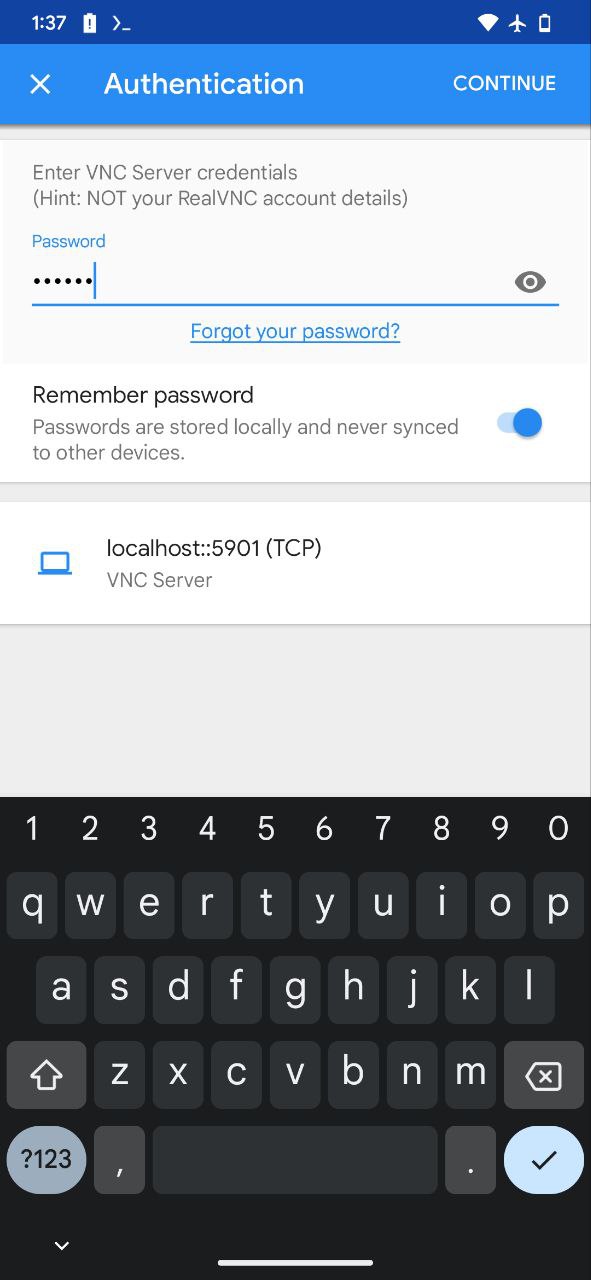
Enter your VNC password
When prompted, enter the desktop (VNC) password you set when you created your user, and tap Continue.
Let's Improve the Quality
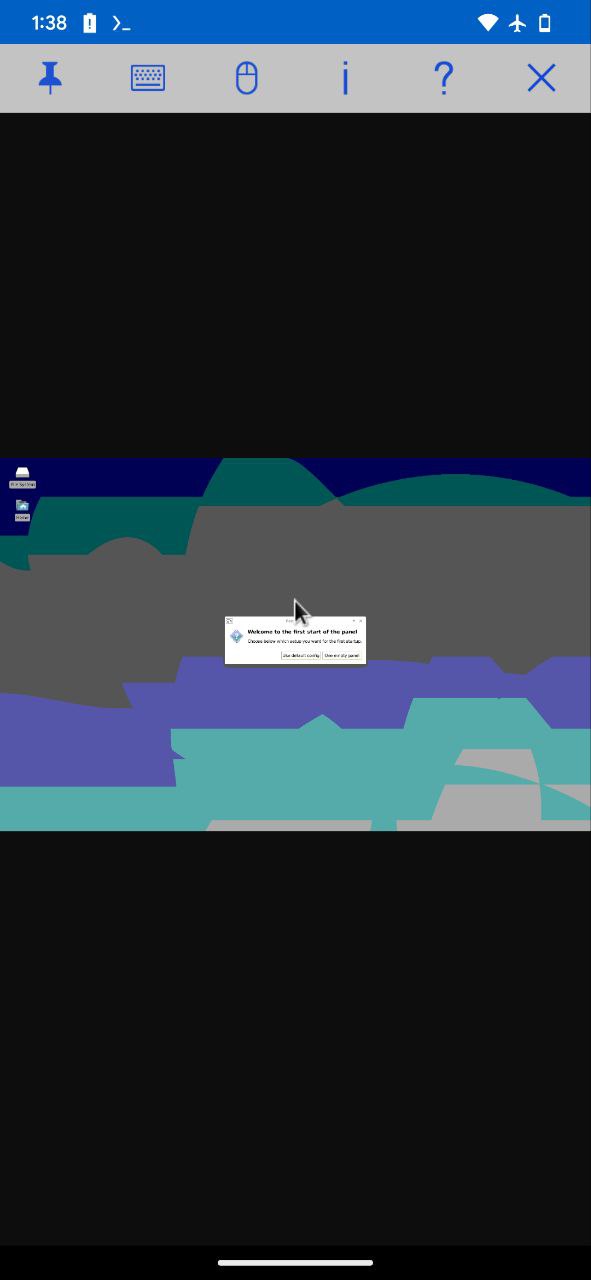
You might notice the picture quality is poor. Don't worry, we'll fix that in the next step.
Select High Picture Quality
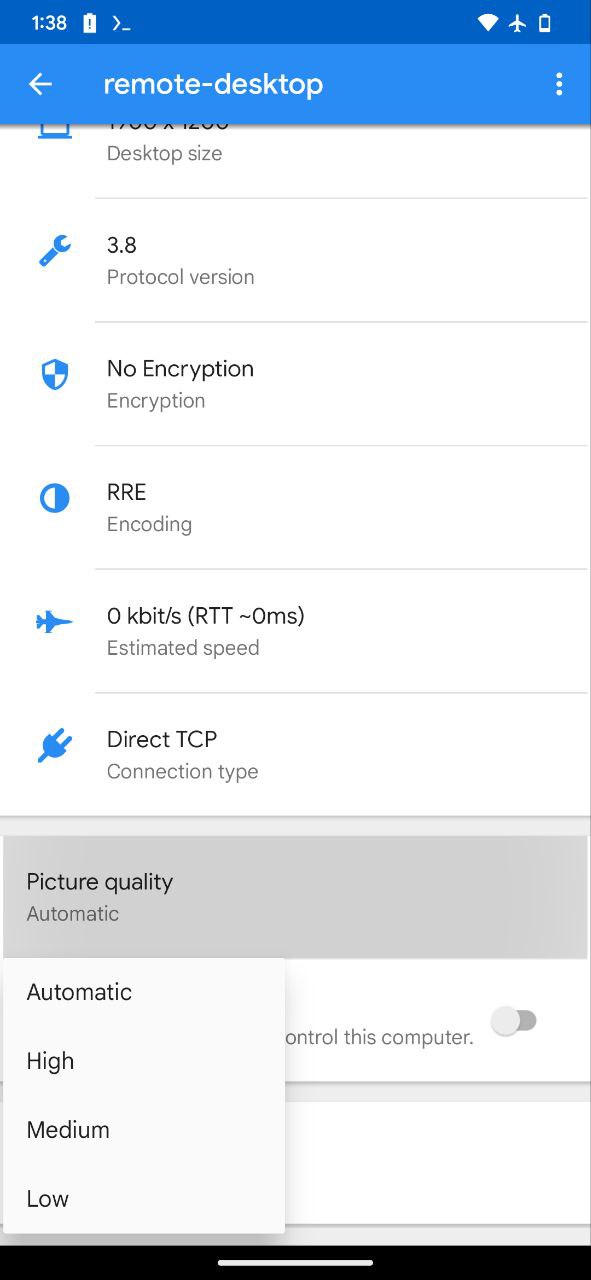
In the VNC app's settings, scroll down to the Picture Quality section and select High.

vncserver-stop before exiting the distro.Stopping a VNC server
Stop the VNC server whenever you're done using your distro or are about to exit it. To do so, run the following command in the distro shell:
vncserver-stopIt asks which display to stop. Press Enter to pick :1, the usual one. To skip the question, run vncserver-stop 1.
VNC Settings
Setting a screen size
Pass the size you want when you start the desktop, and you won't be asked:
vncserver-start 1920x1080Changing the desktop password
Delete the saved password, then start the desktop. It asks you for a new one:
vncserver-stop 1
rm ~/.config/tigervnc/passwd
vncserver-start
How to change the picture quality in VNC
If you're using bVNC, you don't need to change anything; it adjusts the quality automatically.
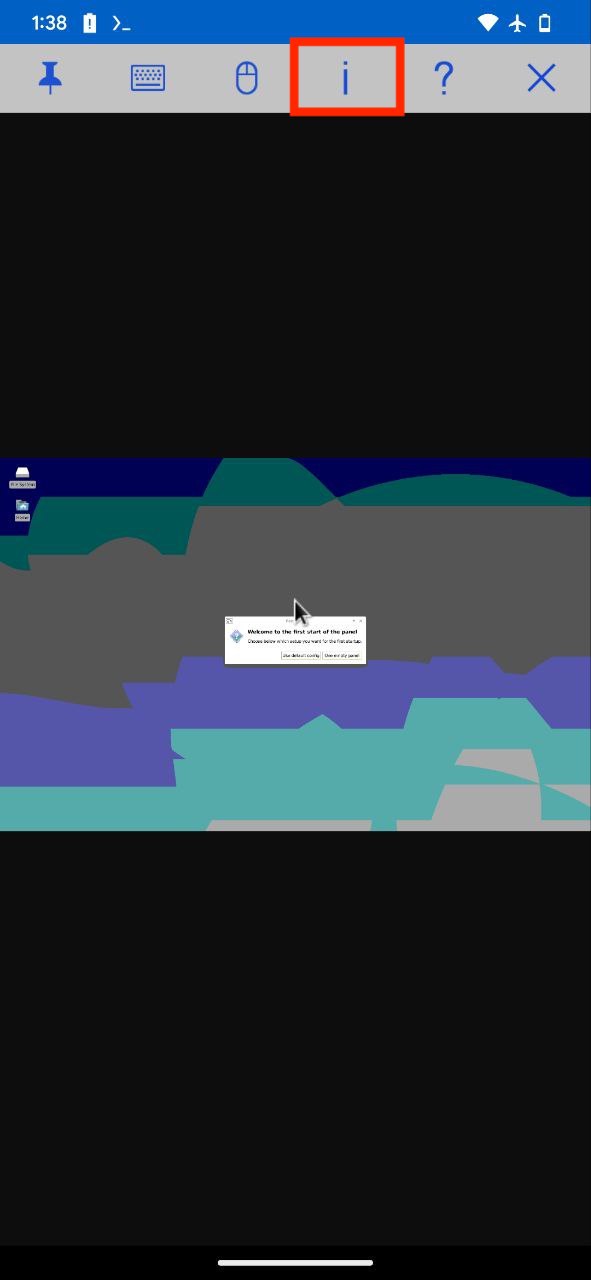
If you're using RealVNC Viewer, connect to the VNC server and tap the (i) button at the top. Then change Picture Quality to High, or to whatever quality you prefer.
VNC on other devices
By default, the desktop only accepts connections from the phone it runs on. To let other devices connect, start it with --lan:
vncserver-start --lanThe Desktop is running box then says the desktop is reachable from your whole network.
--lan, anyone on the same network who knows your desktop password can connect, and VNC traffic isn't encrypted. Only use it on networks you trust, like your home Wi-Fi or your own hotspot, and stop the desktop when you're done.Make sure both devices are on the same network. If you don't have access to Wi-Fi, turn on the hotspot on the phone running Linux and connect the other device to it. Then open a new Termux session (swipe in from the left edge to open the sidebar) and type:
ip aCopy the WLAN IP address (e.g. 192.168.xx.xx). On the other device, connect your VNC viewer to this IP address with display number 1 (e.g. 192.168.xx.xx:1).
To go back to phone-only access, run vncserver-stop, then vncserver-start without --lan.
Related pages
The Desktop in Termux:X11
Get the official Termux:X11 APK (termux-x11-universal-debug.apk) from the Termux project's GitHub releases, then open your Andronix desktop full screen with one command.
Phone Storage
Reach your Android phone's internal storage from inside an Andronix Linux distro at /sdcard, and share other folders with the distro.